Alerts Context
CrowdSec does not keep raw logs once processing is done - so by default, an alert tells you what happened but not the request details around it. The alert context feature lets your Security Engines attach chosen fields (a user-agent, a target path, a username...) to the alerts they send. This page shows how that context surfaces in the Alert Explorer once configured on your engines.
Context in the table
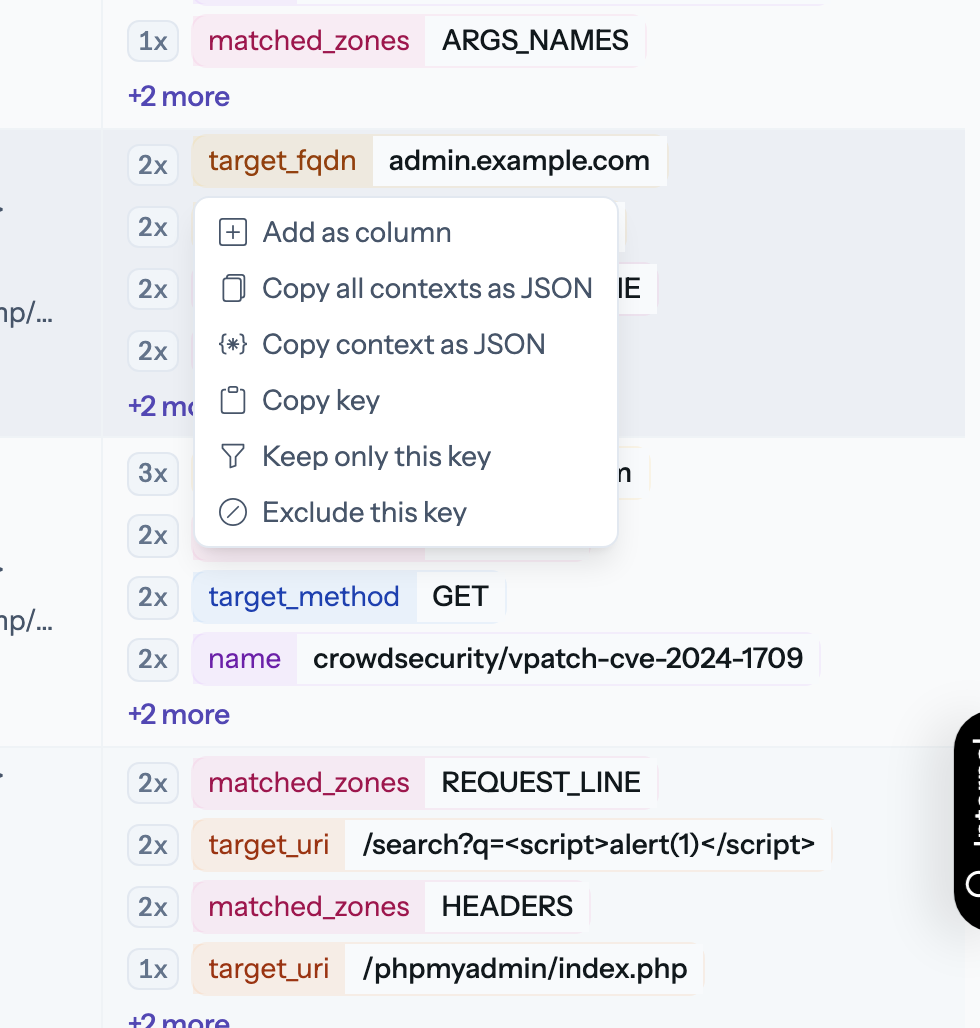
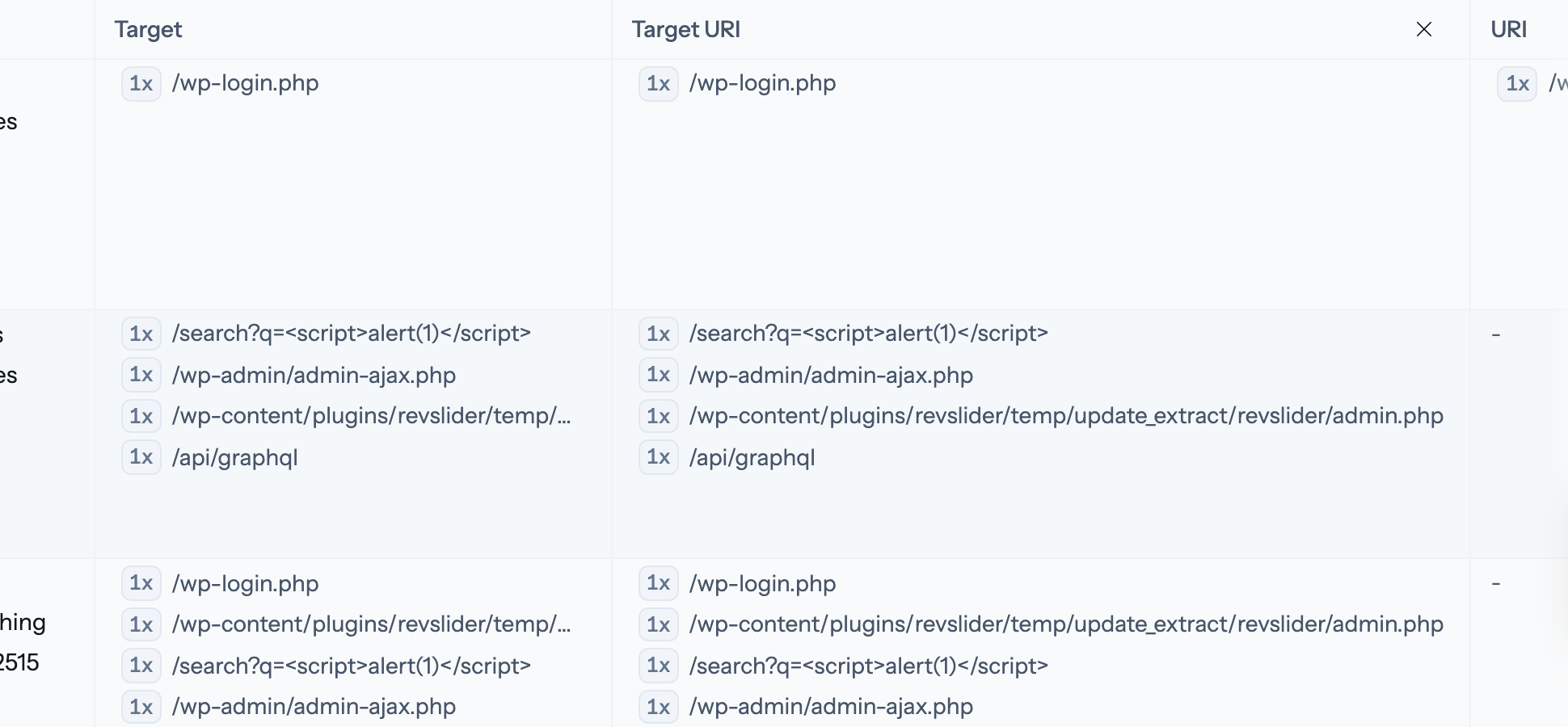
Context tags appear in the alert detail, and can be promoted to their own table columns: pick Add as column on a context tag and the table gains a dedicated, sortable column for it. Columns you add are encoded in the URL, so a shared link carries them.
Filter on context
Click a context tag to filter on its value, or exclude it to remove matching alerts - the same include/exclude logic as every other filter. Copying a tag value for a report is one click away in the same menu.