Background Noise Filtering 🏅
A large share of the attacks your engines detect is not aimed at you. Background noise - sometimes called Internet Background Radiation - is the constant, untargeted mass scanning and bruteforcing that hits every public IP on the internet. It is real malicious traffic, but it tells you nothing about your own exposure. More on how we qualify it.
Noise canceling scores every alert against what the CrowdSec network sees globally, and lets you filter the noise out - so the alerts left on screen are the ones most likely targeting you specifically.
Turn the noise down
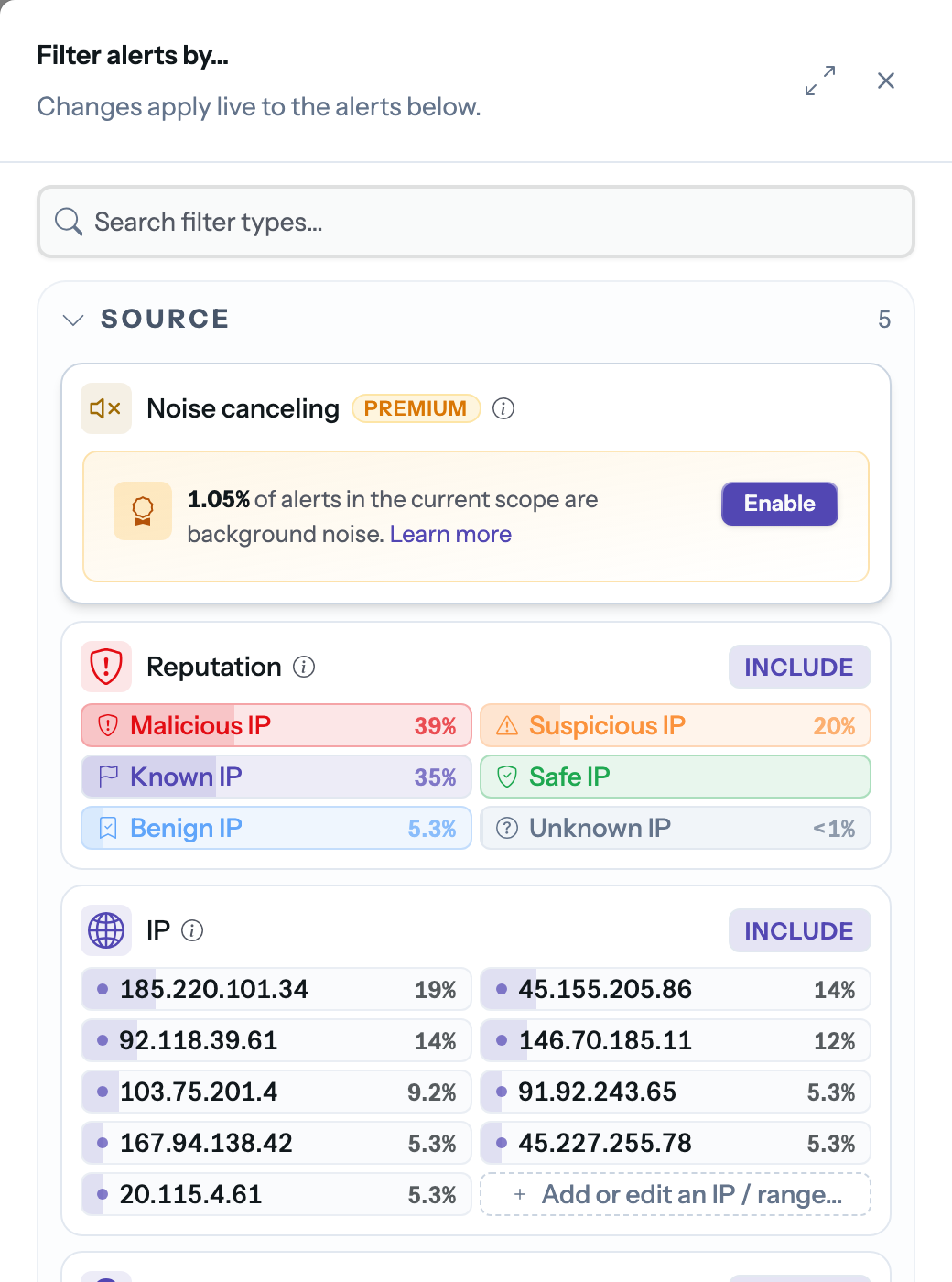
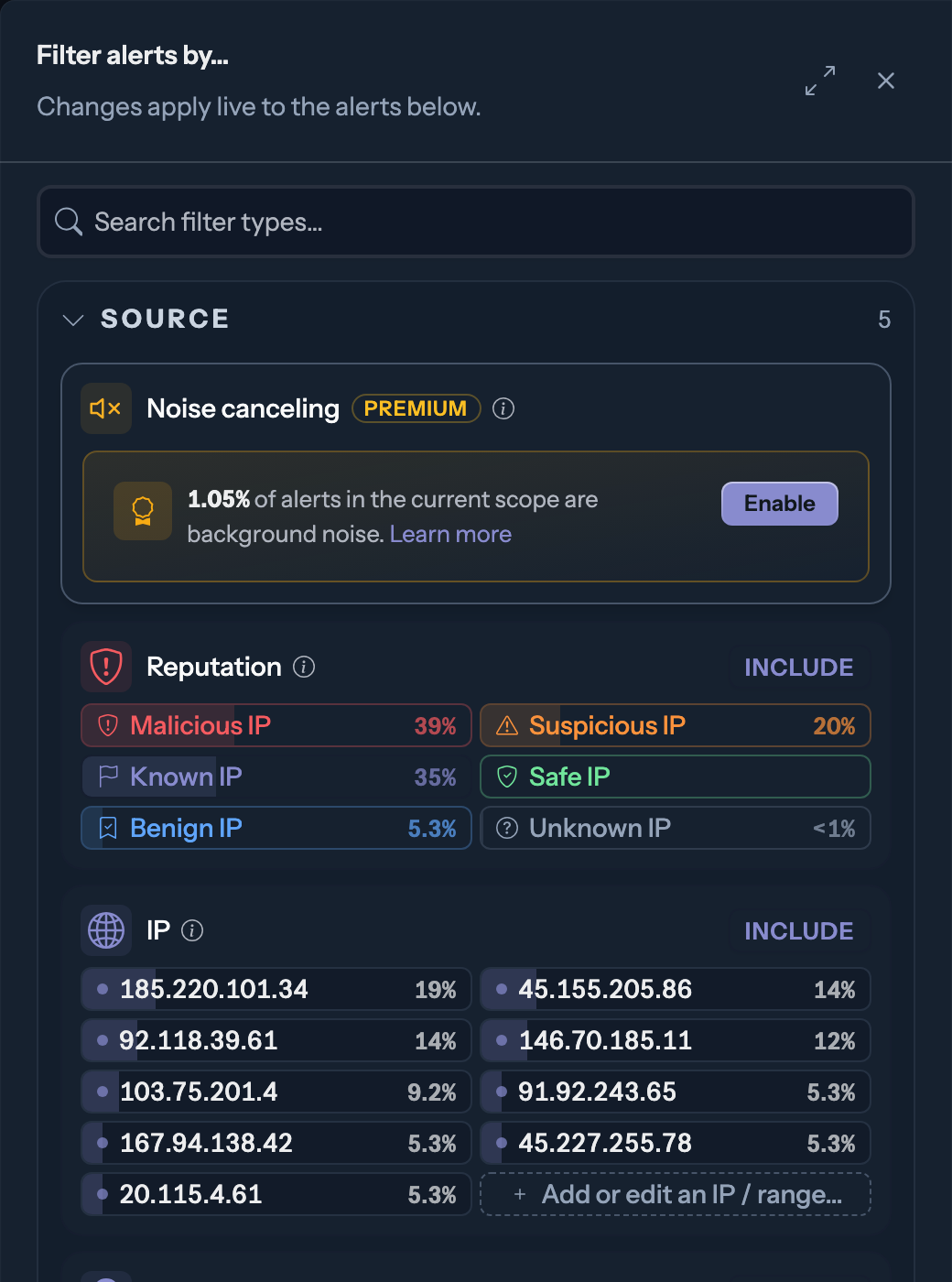
Open the filters of the Alert Explorer: Noise canceling is the first entry of the Source section. The panel shows the share of your current alerts that qualifies as background noise - on internet-facing infrastructure it is often the majority of them.
The slider sets how aggressive the filter is:
- Low cancellation keeps everything visible, including the most widespread scanning - nothing slips through unseen.
- High cancellation keeps only the alerts whose sources are barely seen elsewhere on the network - the ones most likely probing your infrastructure on purpose.
Our analysis puts the sweet spot around alerts holding less than 50% noise: high enough to drop the mass scanning, low enough to keep everything with a real chance of being targeted.
Like every filter, the active noise level travels in the URL and can be saved into a view - a pinned "targeted only" view is a good default lens for daily triage.